
Shopify can handle a lot more than a simple product catalog. Its developer APIs support work with products, orders, customers, and inventory, and its app ecosystem covers many common business systems. Yet “there is an integration” is not the same as “this integration fits our workflow.” A merchant with unusual pricing, production, or fulfillment needs should test the details before committing to a migration.
The right question is not whether Shopify is powerful enough in the abstract. It is whether your specific process can be represented reliably within Shopify and the systems around it.
Start with the jobs your store must perform
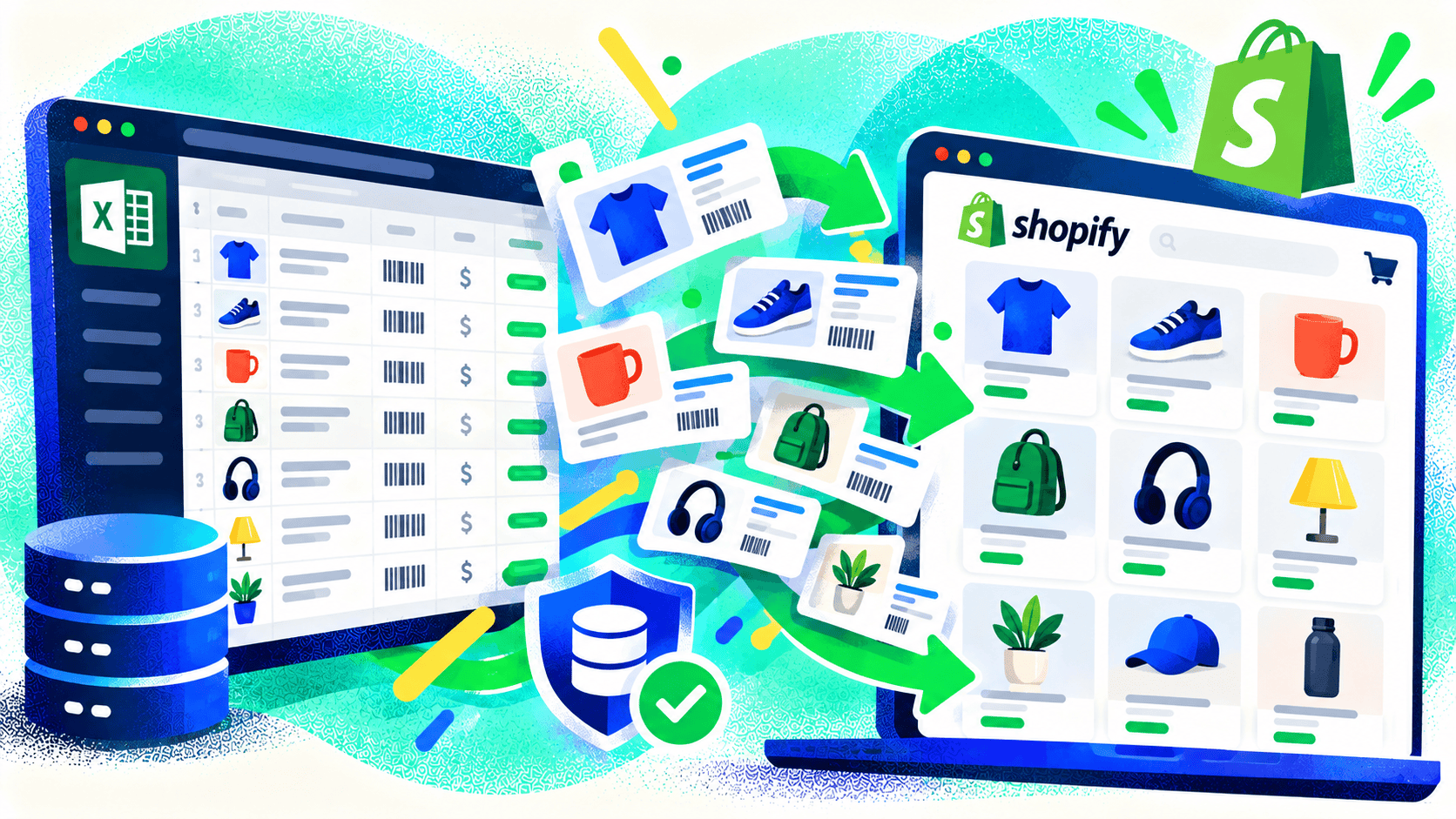
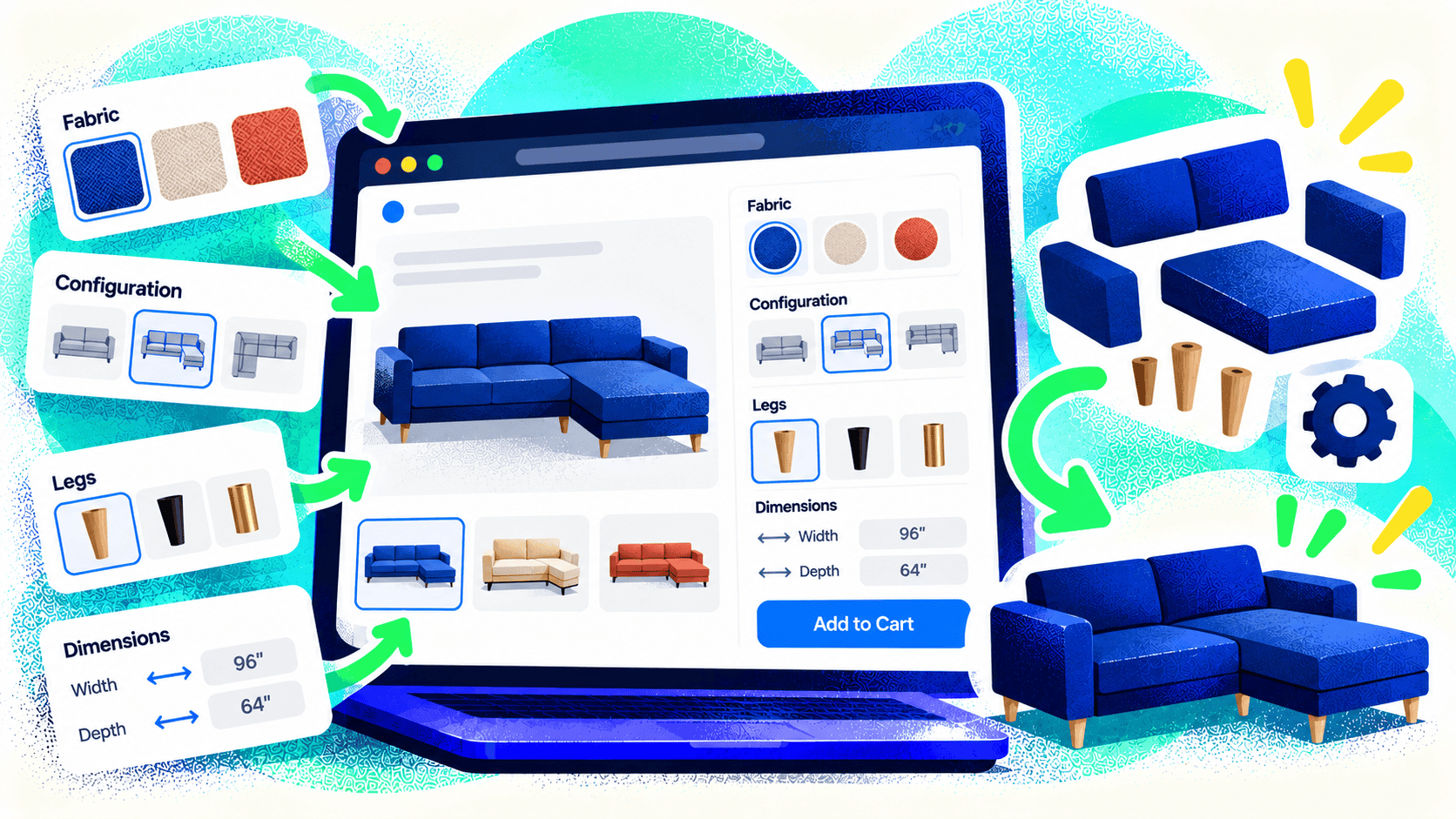
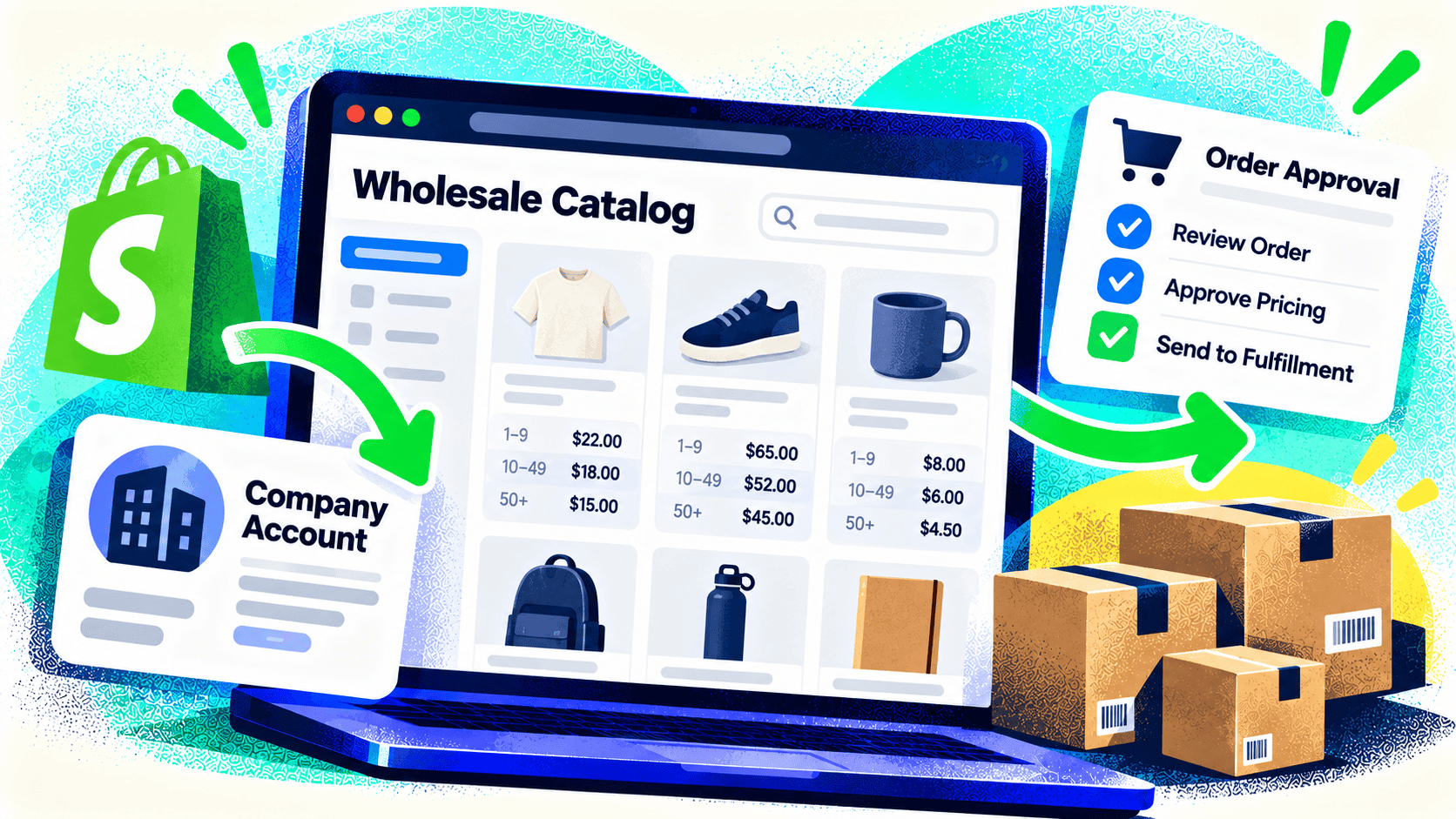
List what happens before, during, and after a sale. How are products created? Which system owns price and stock? Can customers configure products? Do wholesale buyers see different catalogs? How are orders routed to the warehouse or manufacturer? What does staff need when a refund or partial shipment occurs?
For each step, identify a native Shopify feature, a proven app, or custom development. Mark any step that would require people to copy data or work outside the normal flow. That’s where integration cost and operational risk tend to hide.
Check the data model, not just the demo
Ask how an integration maps SKUs, variants, locations, customer accounts, taxes, discounts, and order status. Test products with the most complicated options and orders with the least tidy fulfillment path. A polished app demo may show a clean sale while your business needs split shipments, contract prices, and returns to a different location.
Shopify’s Admin API and webhooks can support custom connections, but the integration still needs clear data ownership, logging, retries, and exception handling. Those are design decisions, not features that appear automatically because an API exists.
Compare the long-term operating cost
Include app fees, custom development, maintenance, staff workarounds, and the cost of incorrect orders. A cheaper launch that leaves the warehouse re-entering orders may cost more over time. On the other hand, a custom system is not justified when a maintained app handles the workflow cleanly.
Ask who will support the connection when the ERP changes, a new location opens, or a product line is added. Document the important assumptions so the business can evaluate future changes without starting from scratch.
Be willing to choose another platform
Shopify is a strong choice for many stores, and Kelp builds custom Shopify themes and headless storefronts. It is not automatically the best choice for every business. For US Labels, Kelp evaluated multiple ecommerce platforms and chose WooCommerce because the custom label designer and printing-software connection fit that project better.
If you are planning a Shopify migration with complex systems behind it, talk with Kelp before selecting the architecture. A useful discovery process should give you a defensible platform decision, not just a list of apps.
Leave a Comment