
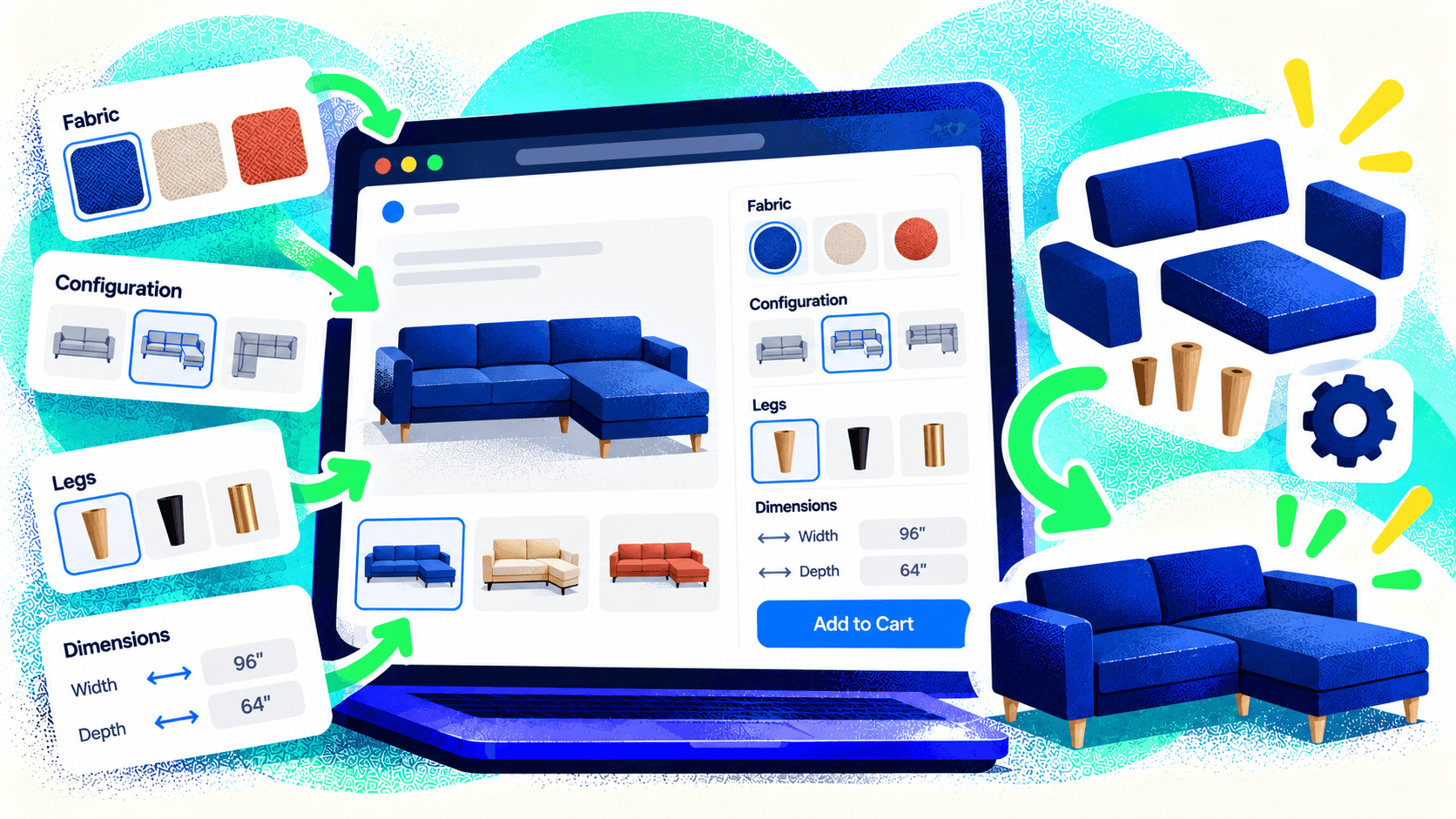
A product-options app can work well when customers choose a size, color, and a few add-ons. The calculation changes when they design a label, build a kit, specify dimensions, upload artwork, or make choices that affect production. The storefront must then do more than collect preferences. It must create a valid order your team can actually make and fulfill.
The question is not whether an app is “good” or “bad.” It is whether the app can represent your rules without forcing staff to rebuild every order by hand.
Map the customer’s choices to production
List every input the buyer controls, the allowed combinations, and the information staff need after checkout. Are there minimum dimensions? Does one material rule out another finish? Does price change by area, quantity, setup time, or artwork review? What should happen when an option is unavailable?
Then trace the data into production. A preview image may help the shopper, but the production team may need a file, measurements, print instructions, and an order identifier. If those details are trapped in a note field or a screenshot, the system is fragile.
Know when an off-the-shelf app is enough
An app is often sensible when options are simple, the pricing rules fit its model, the output is easy for staff to use, and the provider can support the required sales volume. Test it with your most unusual real order, not just the easiest product. Include mobile use, edits, cancellations, and reorders.
Custom development becomes more valuable when options depend on one another, pricing uses business-specific formulas, a live preview is essential, or order data must flow into manufacturing or another application. It can also make sense when several apps create inconsistent interfaces and recurring manual work.
Choose the platform around the workflow
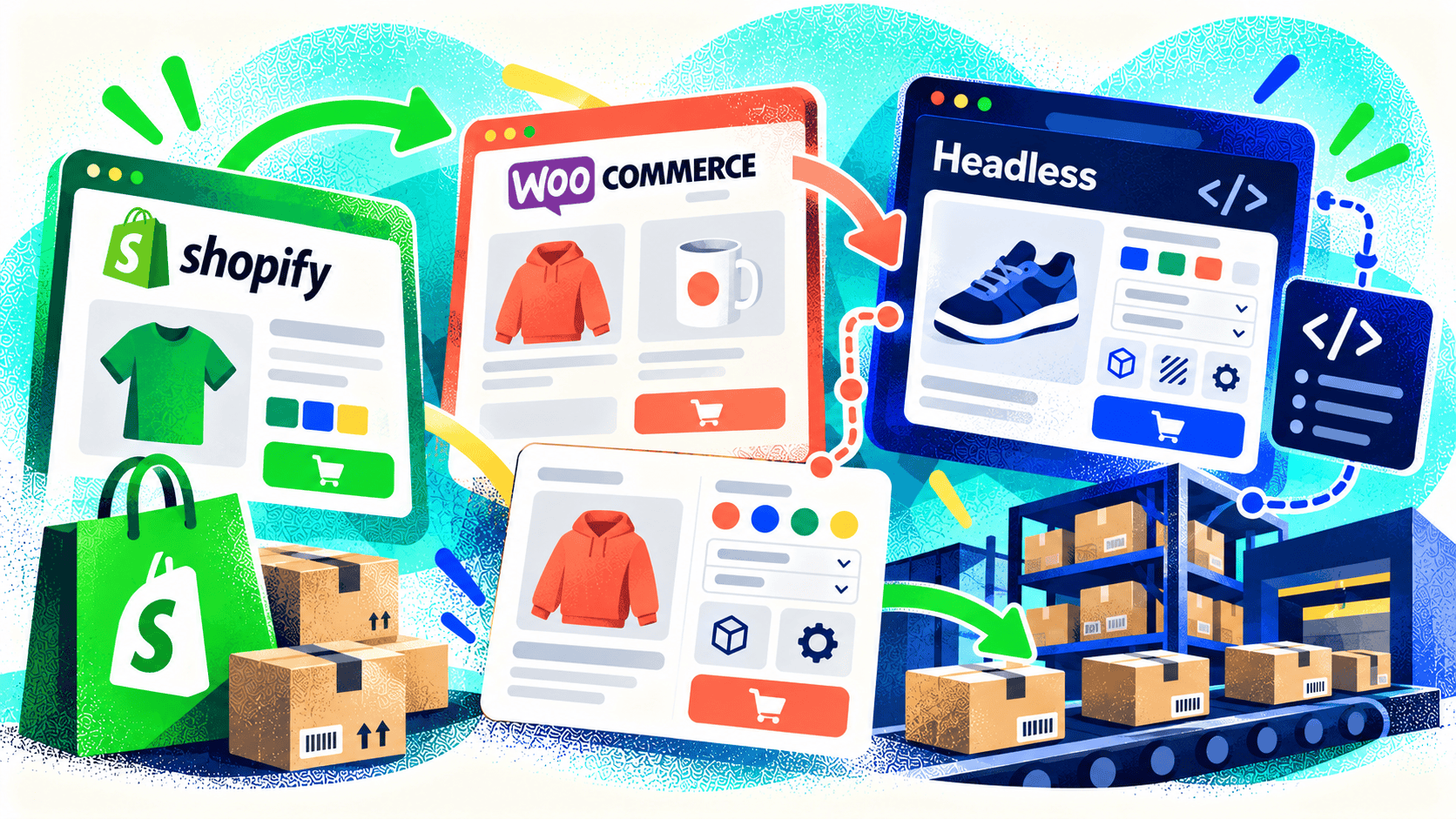
Don’t decide on Shopify or WooCommerce solely from a feature checklist. Evaluate the product model, checkout needs, APIs, staff workflow, and production integration together. A platform can be excellent for a standard catalog and awkward for a highly specialized ordering process—or the reverse after the right custom build.
Kelp’s US Labels project is an example. The customer needed an updated custom label designer and a connection from ecommerce orders to Windows printing software. Kelp tested platform options, selected WooCommerce for that use case, and built an API service to connect the systems.
Budget for the entire lifecycle
A configurator needs validation, testing, accessibility, maintenance, and a plan for changes to products or production rules. Ask who can update options, how errors will be reported, and what happens if the production system is unavailable. A polished preview is only useful if the resulting order is accurate.
If your team is working around a product-options app every day, talk with Kelp about the full custom-product workflow. The right solution should make ordering easier for customers and execution clearer for staff.
Leave a Comment