
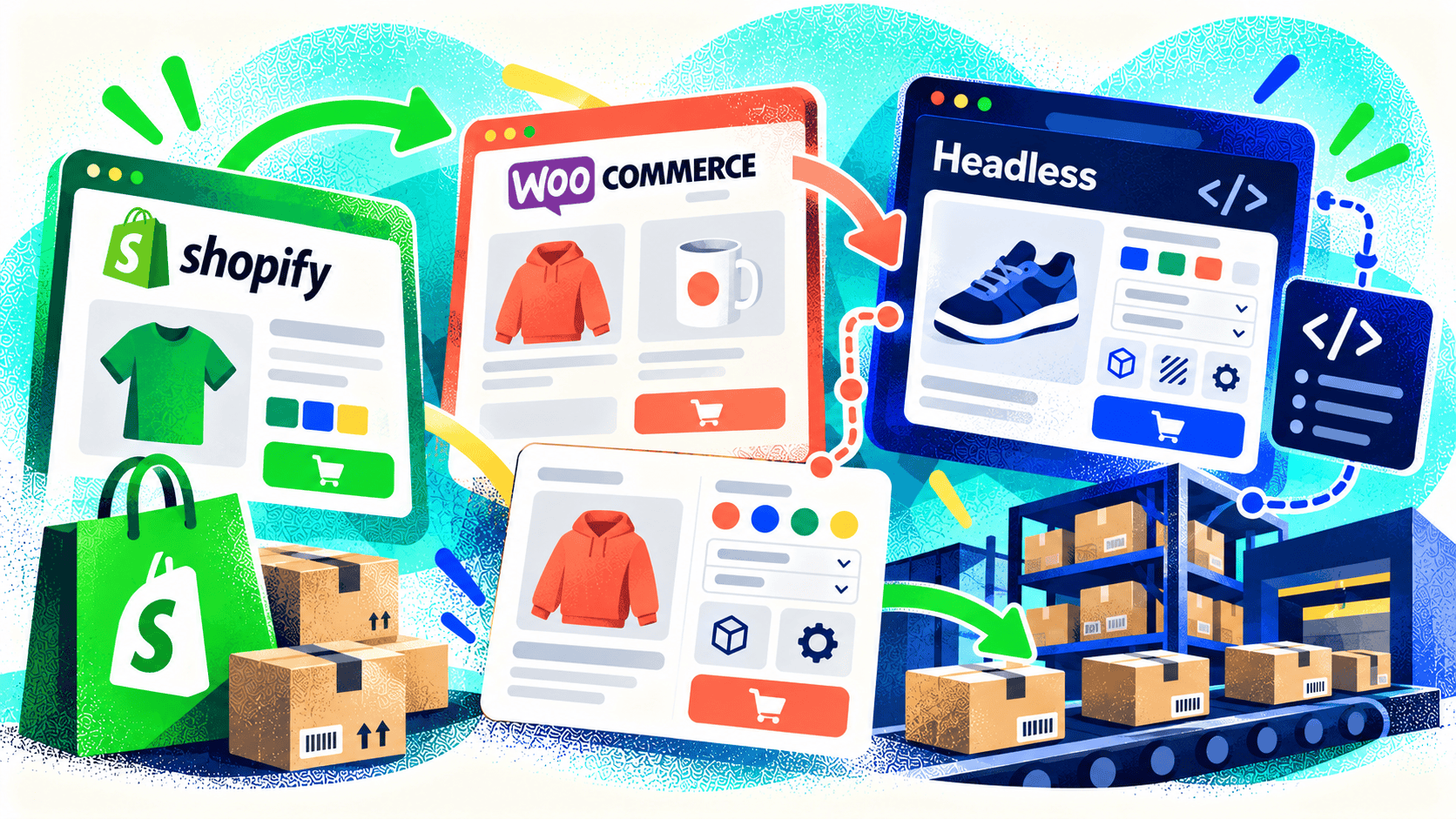
The most popular ecommerce platform isn’t always the right one for your business. Shopify, WooCommerce, and headless approaches can all support serious stores. The better choice depends on what customers need to configure, what staff must do with each order, and how the store connects to other systems.
Start with the unusual parts of the business. Standard checkout is rarely the hardest requirement. Product rules, pricing, production data, approvals, inventory, and fulfillment are more likely to shape the architecture.
When Shopify is a strong fit
Shopify provides a managed commerce foundation and a broad set of native features and integrations. It can suit merchants that want a reliable core store while extending specific workflows through apps and custom development. Kelp builds both Liquid and Hydrogen storefronts on Shopify.
Test the hardest requirements early: custom options, contract pricing, order routing, and the fields your ERP or warehouse needs. If those work cleanly, Shopify may let the team focus on selling rather than maintaining core commerce infrastructure.
When WooCommerce may fit better
WooCommerce can be useful when a WordPress-based site and a highly tailored product or content model are central to the project. It gives a development team room to shape workflows around the business, while placing more responsibility for hosting, updates, security, and ongoing maintenance on the site owner and its partners.
In Kelp’s US Labels project, the team evaluated multiple platforms before choosing WooCommerce for a custom label designer connected to Windows printing software through a purpose-built API service. That decision followed the workflow rather than a blanket preference for one platform.
When headless earns its complexity
“Headless” means the customer-facing storefront is built separately from the commerce back end. It can provide more control over a specialized experience or multiple sales interfaces. It also creates additional development, hosting, testing, and maintenance work. A merchant should be able to name the customer or operational problem that justifies that cost.
Don’t choose headless merely because the current theme feels limited. A custom theme or targeted app may solve the issue more simply. Conversely, if a product configurator or buying journey can’t be represented well in a conventional theme, a headless build may be worth evaluating.
Make a decision from a real prototype
Write down your hardest product, pricing, and order scenarios. Build or prototype those first on candidate platforms. Check the buyer experience and what staff receive after checkout. Compare implementation cost, app dependencies, performance, support, and ability to change later.
Kelp works across Shopify and WooCommerce and can help determine which architecture fits a complex store. Bring us the workflow that other platforms or vendors have struggled with; that’s the right place to start.
Leave a Comment