
Someone nearby searches for what you do. Your website should make it easy to tell what you do, where you work, and how to contact you. A free local SEO check with Kelp’s Website Checker can help you spot opportunities on your site before you plan a larger local search campaign.
What is local SEO on a website?
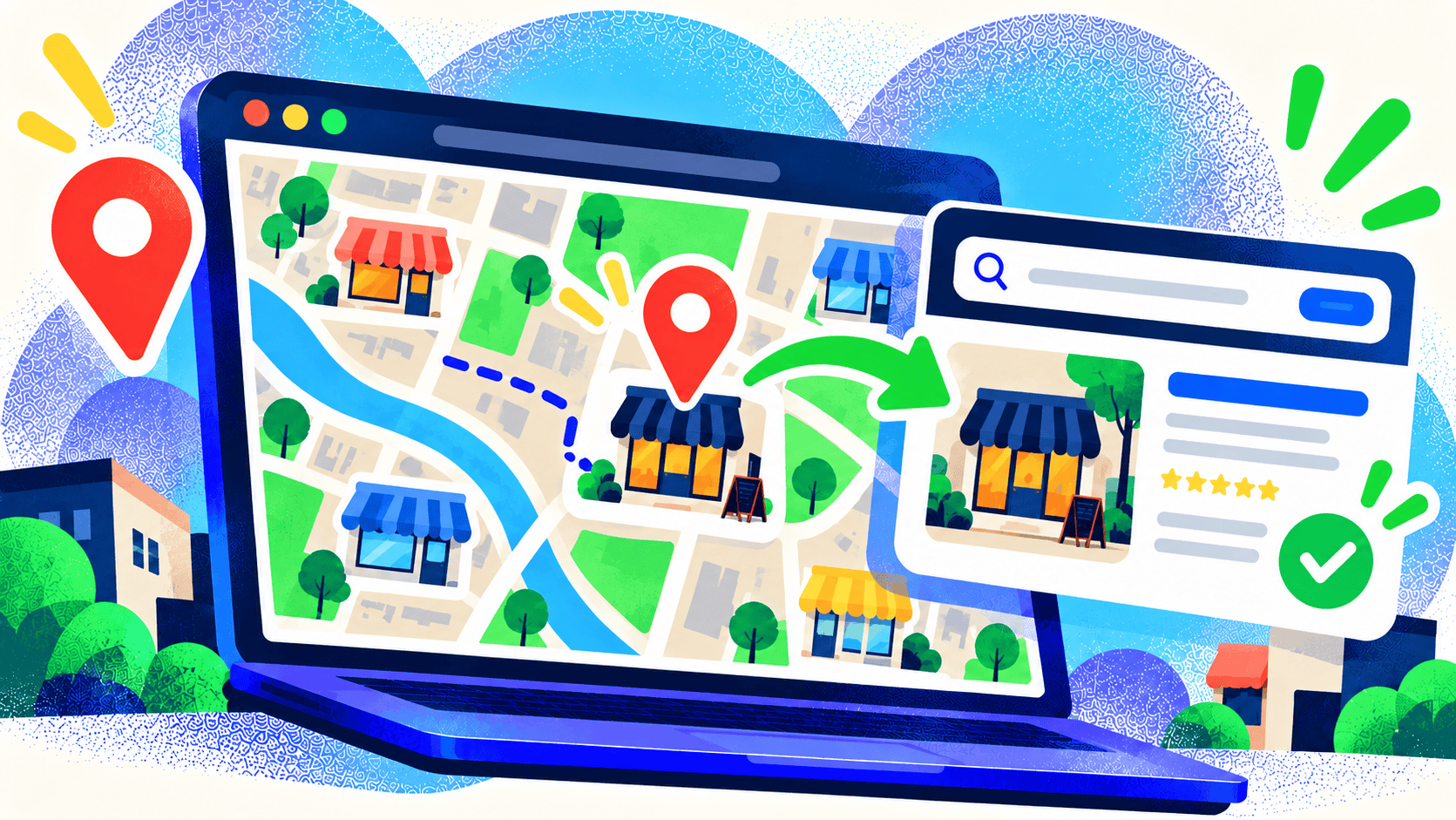
Local SEO helps a business appear for searches with a geographic need, such as “web designer near me” or a service in a named city. Google says local results depend mainly on relevance, distance, and prominence. You can’t edit distance, but you can make your business details and service information clear and accurate.
Your website is part of that picture. It should state the services you offer, the areas you actually serve, and the next step for a customer. It should also support a current Google Business Profile. The website checker reports on local SEO opportunities on your site; review your Business Profile separately to keep its details, hours, and links current.
What to look for first
Clear service and location information
Can a visitor quickly tell whether you serve their area? Put location details where they help the decision, not just in a footer. A dedicated location page can be useful when you have a real office, team, or distinct offering there. Thin pages that only swap city names tend to be less useful.
Consistent business details
Check your business name, address when relevant, phone number, and website link across the site and important public profiles. If you moved or changed numbers, old pages can confuse visitors even when your main contact page is correct.
A working path to contact
A local search visit often carries immediate intent. Make the phone number easy to use on mobile, keep directions or service-area details current, and check that forms and booking links work. A page can attract a local visitor and still lose the lead at the last step.
Useful proof for the area
Show relevant projects, services, team context, or customer questions. Specific examples help visitors understand whether you have experience with their kind of need. Keep claims accurate and avoid adding location keywords where they don’t read naturally.
Use the report as a starting point
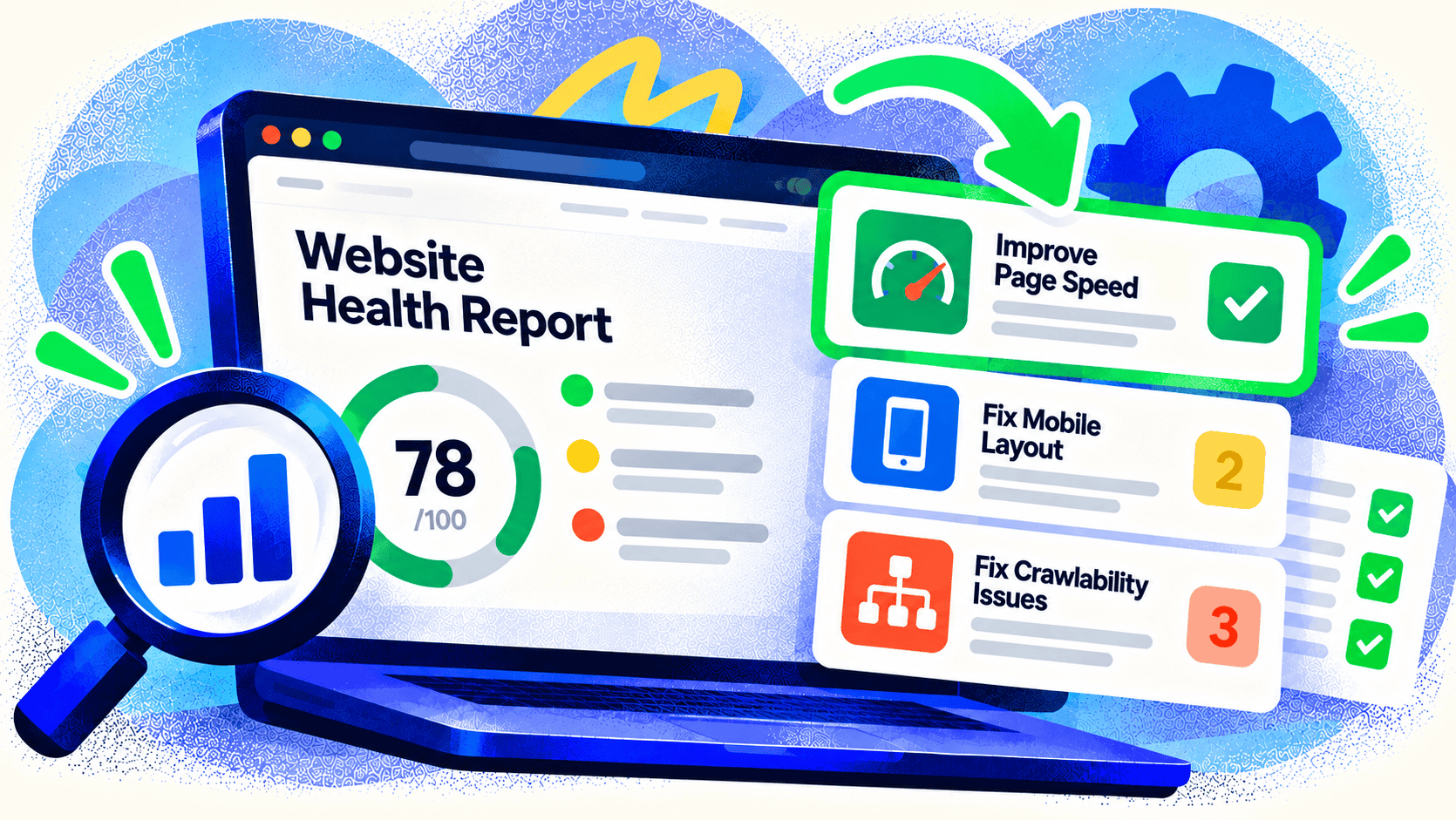
Run the scan, read the local SEO findings, and compare them with what a new customer sees on your most important pages. Fix inaccurate or missing information first. Then review your Business Profile, search results, and contact journey as separate steps. A quick scan can’t determine your position for every searcher because local results vary by location and query.
Try Kelp’s free Website Checker to get a clear first report. If your site needs a better structure for services and locations, talk with Kelp about website development.
Leave a Comment