
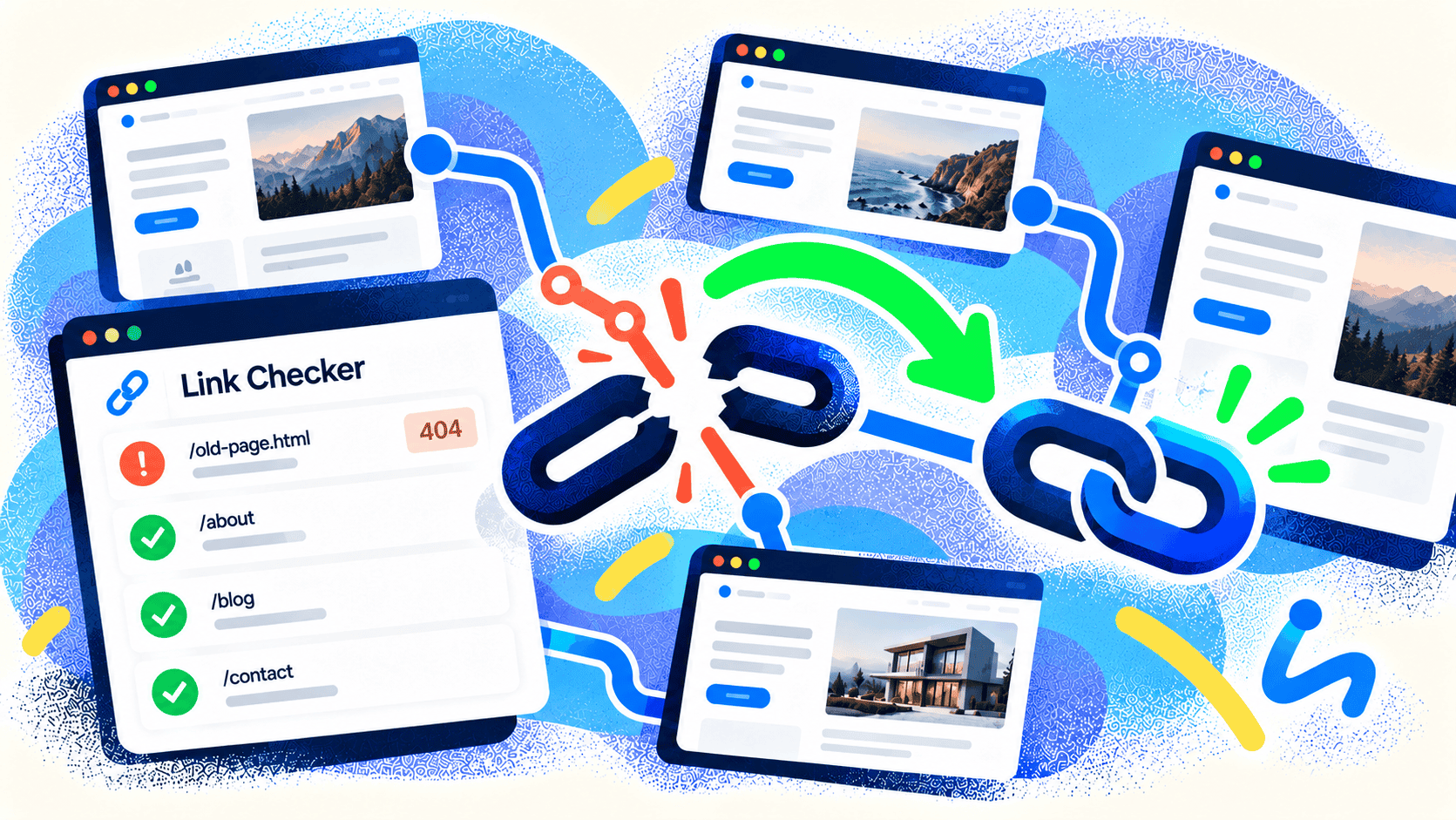
A visitor clicks “View our services” and lands on a 404 page. Another follows a product link in an old blog post and gets nowhere. Each dead end interrupts the path you wanted that person to take. A free scan with Kelp’s Website Checker can give you a starting list of broken links and show where to begin.
What counts as a broken link?
A broken link points to a page or file that can’t be reached at its destination. The familiar “404 Not Found” response is one example. A mistyped URL, a deleted page, a changed product address, or an outside resource that has moved can all cause one.
Some 404s are normal: a page may have been intentionally removed, and there may be no useful replacement. The bigger problem is an internal link that still sends people there. Google advises fixing links to pages that have moved and using a redirect when there is a relevant new location. A redirect to an unrelated homepage is rarely helpful to the person who clicked. Google’s crawling error guidance explains the distinction.
Why broken links matter to your business
The immediate cost is usability. A dead product link can stop a purchase; a dead booking or contact link can stop a lead. Broken links also make a site feel poorly maintained. Search engines discover pages through links, so an important page that has lost its internal paths may be harder to find.
That doesn’t mean every 404 triggers a blanket search penalty. Prioritize links based on the page they appear on, the visitor’s intent, and whether the destination matters to a conversion.
How to fix broken links in a useful order
Start with the important paths. Check navigation, service pages, product pages, checkout and booking flows, and popular articles first.
Identify the correct destination. If the page moved, update the link directly. If the old address is still used elsewhere, add a permanent redirect to the closest relevant replacement.
Remove links with no replacement. If a resource is gone, rewrite the sentence so it still helps the reader without pointing to a dead page.
Recheck the path. Click from the original page and confirm the new destination works on mobile as well as desktop.
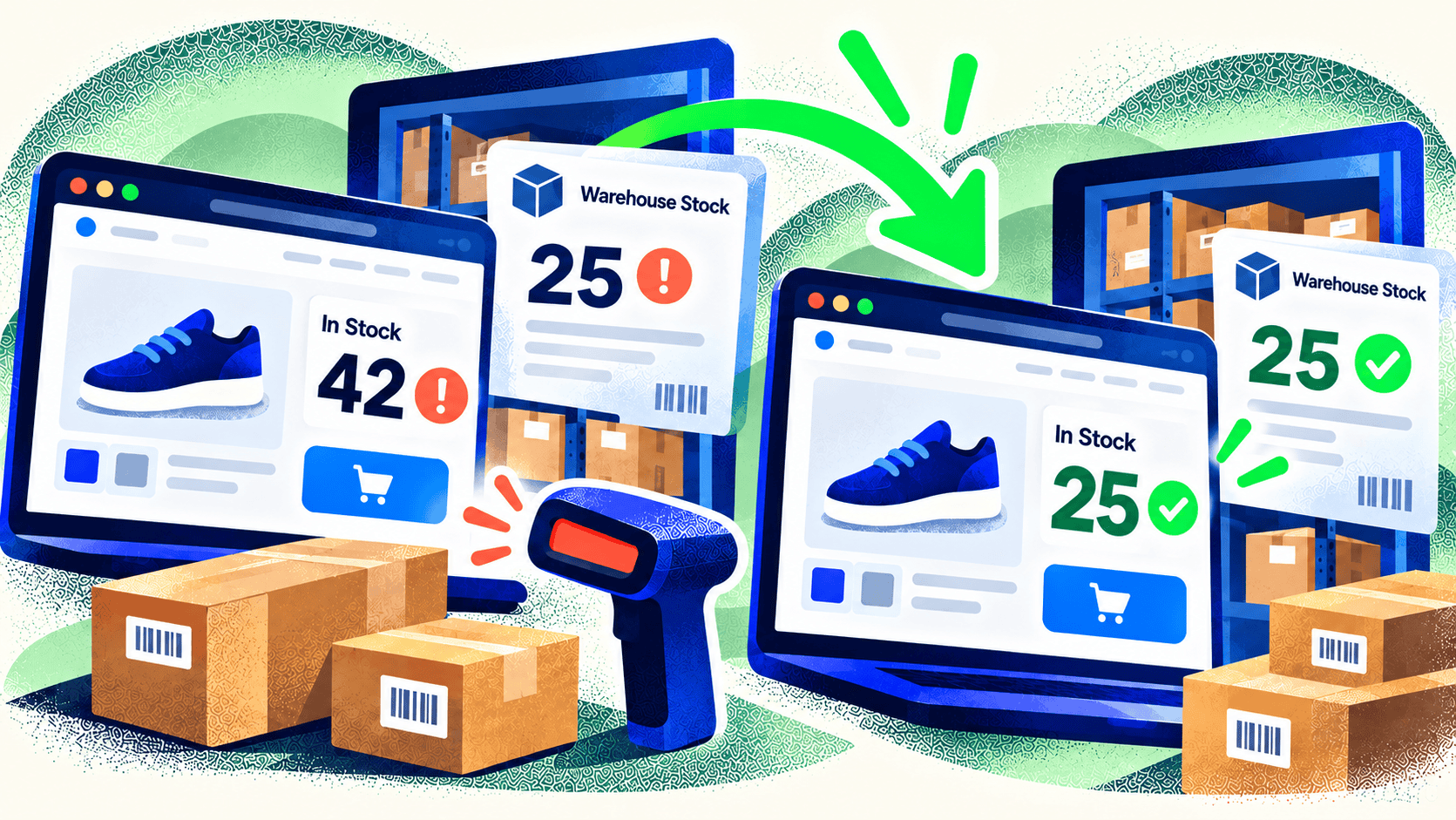
If a link belongs to another website, you can’t fix its destination. You can replace the resource, link to a current page, or remove the reference. For a large catalog, consider how product retirement and URL changes are handled so the problem doesn’t repeat with every inventory update.
Run a quick broken-link check
Kelp’s Website Checker scans for broken links alongside technical and local SEO, AI search readiness, schema, and conversion opportunities. It turns the findings into a clear report so you can choose the next fix. Use it as a first pass, then review critical customer journeys yourself—especially checkout, booking, and forms.
Check your website for free. If the issues point to a larger navigation or site architecture problem, talk with Kelp about website development.

Leave a Comment