
Microsoft Advertising can put your business in front of people searching for what you sell. Getting started is fairly straightforward. The tricky part is knowing whether those clicks turn into calls, leads, or sales. Build that measurement into the campaign from the start, and you will have a much better basis for deciding what to change.
This guide walks through a first search campaign for a business that already has a website and a clear offer. Microsoft’s new advertiser guide covers account creation and billing; the steps below focus on decisions that affect campaign performance.
Decide what one successful visit looks like
Choose one primary outcome before opening the campaign builder. For an online store, that might be a completed purchase. For a service business, it could be a qualified form submission or a call from a prospective customer. Record what that outcome is worth to you and how much you are prepared to spend to get it.
Use a landing page that supports that action. A search for a specific service should lead to that service, with pricing or scope information where useful and an obvious next step. Sending every ad to a general homepage makes the visitor do extra work.
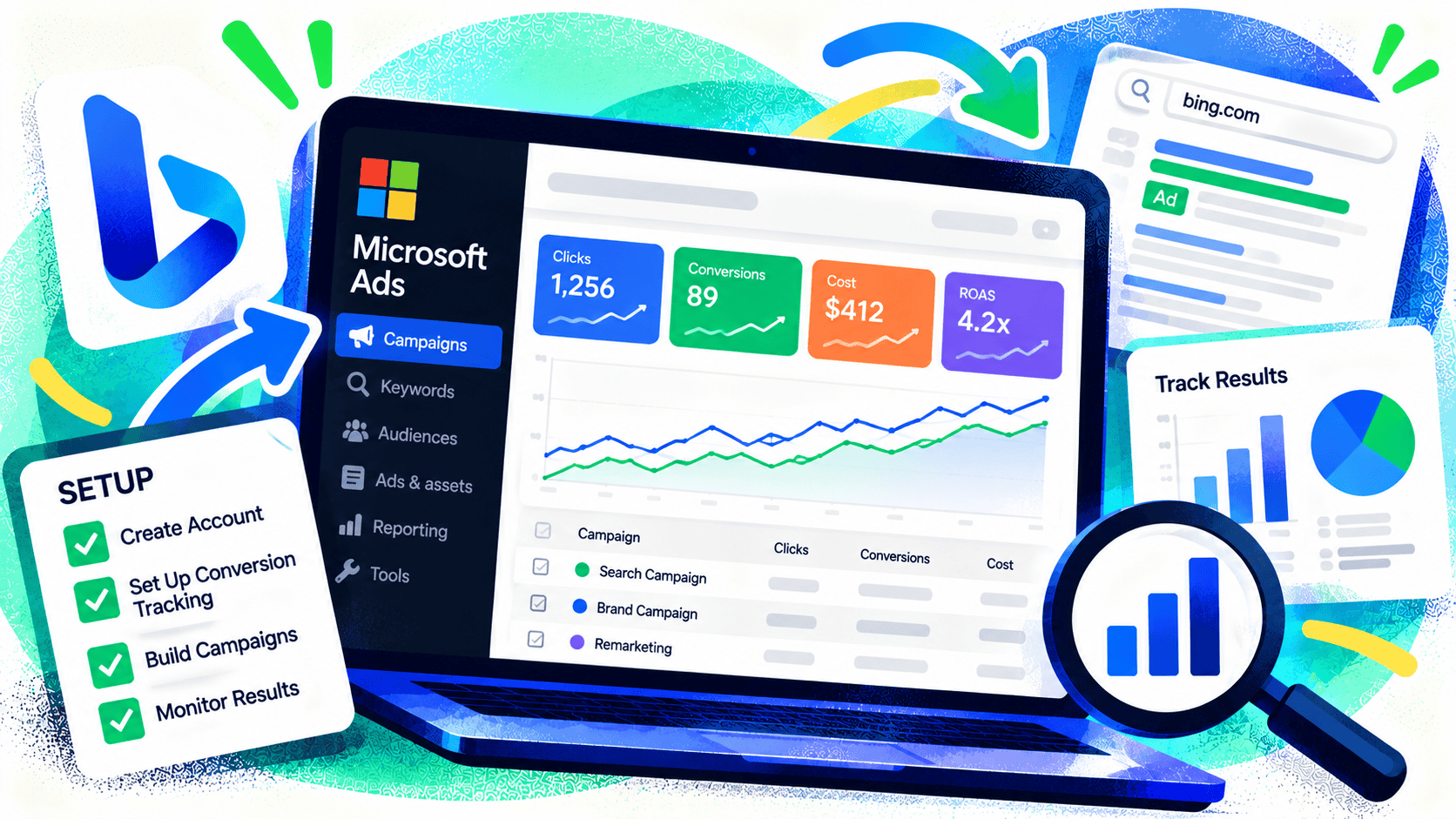
Create the account and set up billing
Sign up for Microsoft Advertising with a Microsoft account, enter your business details, and add a payment method. You can build a campaign from scratch or import one from Google Ads. If you import, inspect the budget, location targeting, keywords, ads, and campaign status before anything goes live. Microsoft’s import tools let you choose campaigns and customize settings such as budgets and bids.
Set up conversion tracking before launch
Microsoft uses Universal Event Tracking, or UET, to measure actions after an ad click. Create a UET tag, install it on the site, and define the conversion goal that matches the outcome you chose. Microsoft’s UET documentation explains that the tag should be added across the website before conversion tracking can work.
Test the tag and complete a real test action. Check that a purchase doesn’t fire twice and that a contact form submission is counted only after the form succeeds. A campaign that reports every page view as a lead can look healthy while spending on traffic that never becomes business.
Build a focused search campaign
Start with one product or service group. In the campaign setup, choose the search campaign type, the geographic area you actually serve, a daily budget you can sustain, and an appropriate goal. Create separate ad groups when different searches need different ads or landing pages.
Use Microsoft’s Keyword Planner to estimate demand, then select terms that show buying intent. A local roofing company, for example, may learn more from searches for a specific repair service than from a broad term like “roof.” For an ecommerce store, product and category terms are often more useful than generic industry terms.
Write ads that match those searches. State what the customer will find after clicking, and send them to the most relevant page. Add negative keywords for obvious mismatches, such as jobs, free templates, or DIY instructions when those searches don’t fit the offer.
Check the campaign after it starts spending
Give the campaign enough time and data to learn, but review it regularly. Look at the searches that triggered the ads, the cost of each meaningful action, and which locations and devices produce those actions. Pause clear mismatches, improve weak landing pages, and expand only after the measurement is trustworthy.
A high click-through rate can be encouraging, but it doesn’t answer the business question. Compare the cost of qualified leads or sales with the value they produce. If the campaign generates calls but few suitable customers, improve the targeting and offer before increasing the budget.
Should you import your Google Ads campaign?
Importing can save setup time when an existing Google campaign is well organized. It is still a new channel with its own performance. Review the imported settings, run it with a controlled budget, and judge Microsoft Ads on its own leads or sales. A weak Google campaign doesn’t become a strong one simply because it was copied.
Before sending paid traffic to a landing page, run Kelp’s free Website Checker for a quick look at broken links and conversion opportunities. Then test the actual form or purchase path yourself.
Microsoft Ads works best when the campaign, landing page, and measurement all support the same goal. If you need help connecting those pieces, talk with Kelp about your digital marketing plan.
Leave a Comment