
Seeing your product in an AI answer is interesting. Knowing whether AI-assisted shoppers place profitable orders is more useful. Start by looking at channel visibility, visits, orders, revenue, and the customer experience between them.
Shopify’s agentic storefronts reporting currently describes channel-level sales, orders, online-store sessions, and conversion data for supported stores. The available reports and attribution can vary by store setup and channel, so begin with what your admin actually shows.
Start with the channel report
Review the AI channels enabled for your store and the products available to each. Then look at orders and sales by channel over a meaningful period. A single week may be too noisy to judge, especially for a small catalog or high-value products with longer buying cycles.
Separate referral-based sales from direct-checkout sales where the reporting allows. A shopper who purchases within an AI channel may not create the same online-store session as someone who visits your site first. Don’t divide total orders by only one type of visit and call it a conversion rate.
Check the product and landing experience
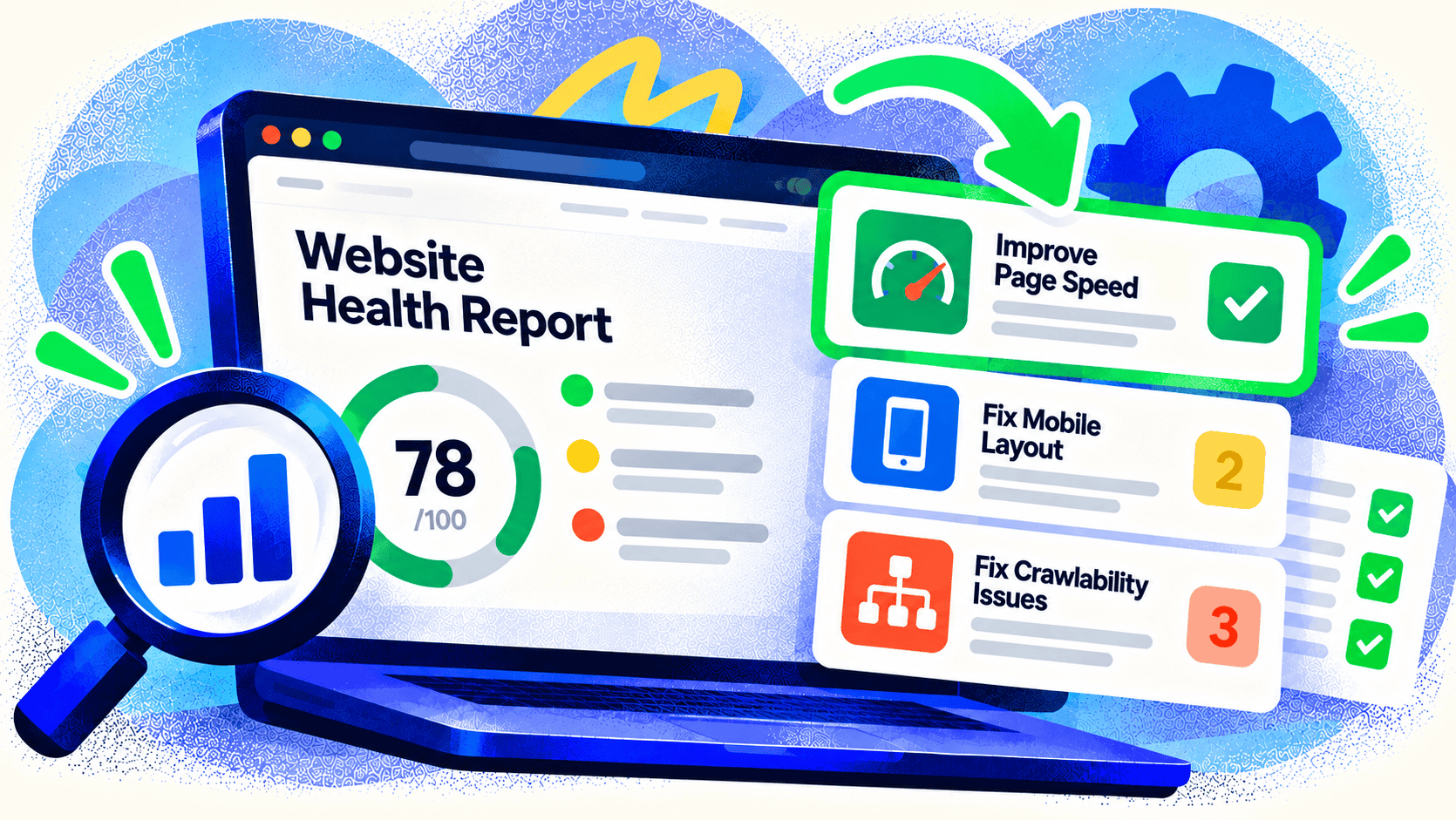
If sessions rise but orders don’t, inspect the products receiving traffic. Does the page answer the question a shopper likely asked? Are variants, delivery details, and return rules clear? Are prices and stock accurate? Test checkout on a phone and review any errors in the order path.
For a custom product, check whether AI-referred shoppers reach the configurator and complete it. For B2B products, confirm the buyer can see the right catalog and pricing after signing in. Channel traffic is only valuable when the buying workflow fits the visitor.
Connect sales to operational quality
Track cancellations, oversells, returns, and support issues for AI-sourced orders as well as revenue. A channel that brings orders with inaccurate product expectations may need better catalog information, not more exposure. Review which attributes are missing or misunderstood and correct them at the source.
Where you add campaign or referral tracking to links you control, keep naming consistent. Don’t assume every AI-driven interaction will appear as a clean referral in general analytics; use the channel’s order attribution alongside your other reports.
Make one improvement at a time
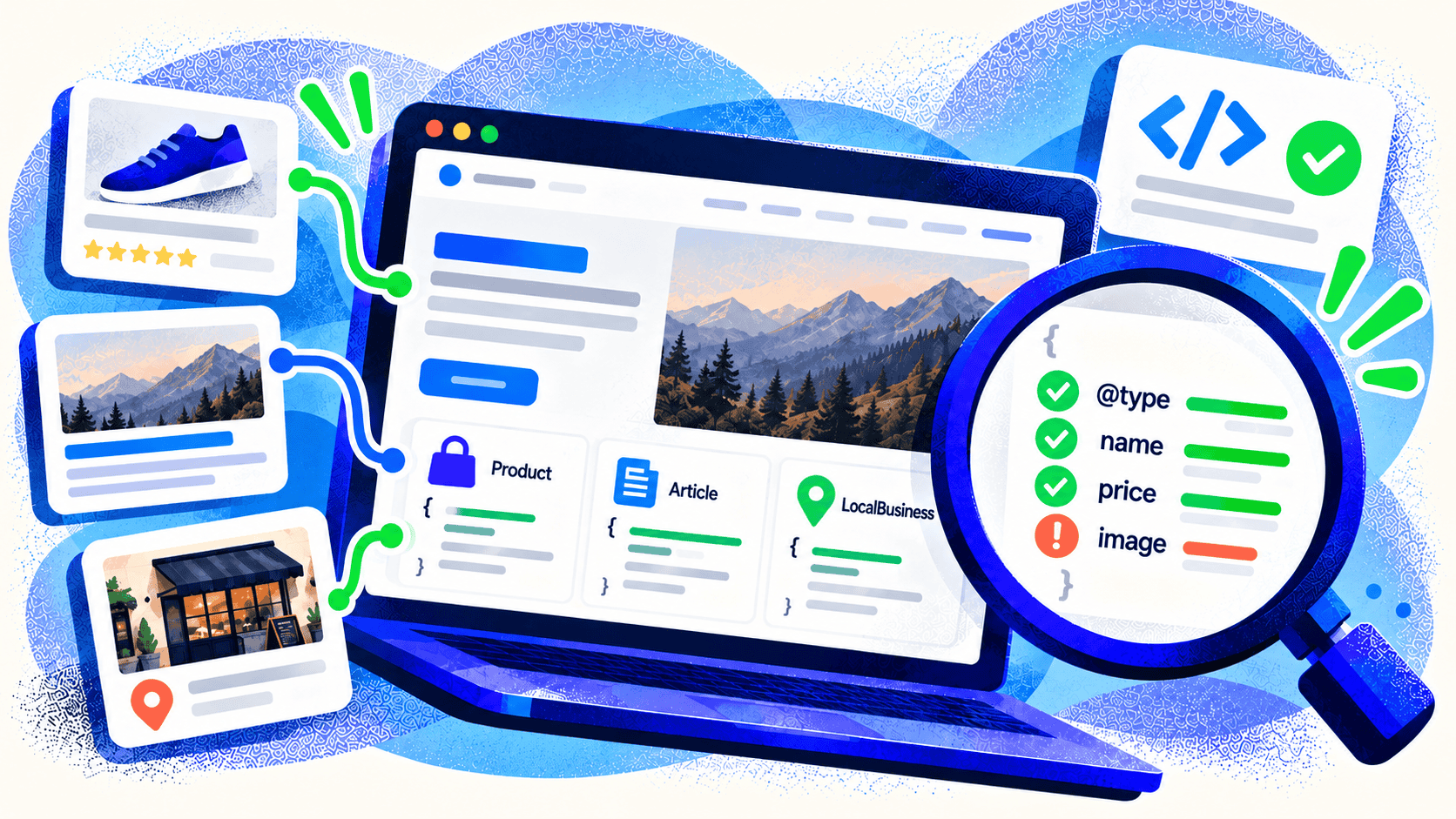
Choose a product group with enough activity to learn from. Improve titles, structured attributes, photography, or product-page answers, then compare results over a sensible period. Record what changed so you can distinguish a catalog improvement from a seasonal shift or promotion.
Through AI Ecommerce, Kelp helps merchants connect Shopify, catalogs, inventory, and analytics. If AI shopping reports raise more questions than answers, talk with us about the data and order path behind those sales.
Leave a Comment