
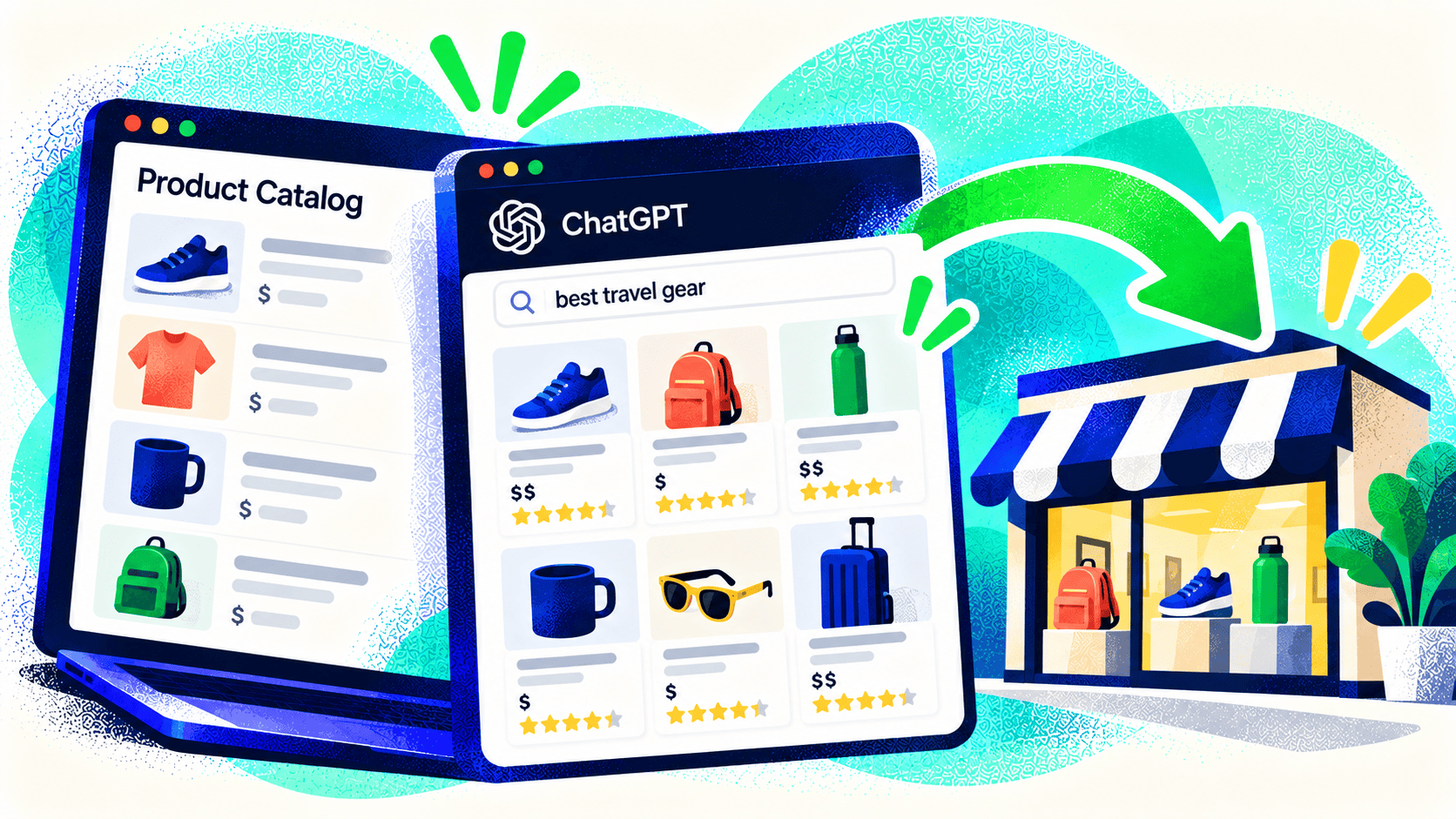
An AI shopping assistant can’t recommend the right item if it can’t tell what the item is, who it fits, or whether it is available. The same problem affects shoppers using your store’s search and filters. Improving product data is therefore a practical commerce project, not just an experiment with a new channel.
Shopify’s AI shopping product guidance describes how eligible products are shared through connected channels. Merchants with important attributes stored in custom fields can review how those fields map into Shopify Catalog. Before changing anything, audit the data buyers actually need to decide.
1. Give products specific names
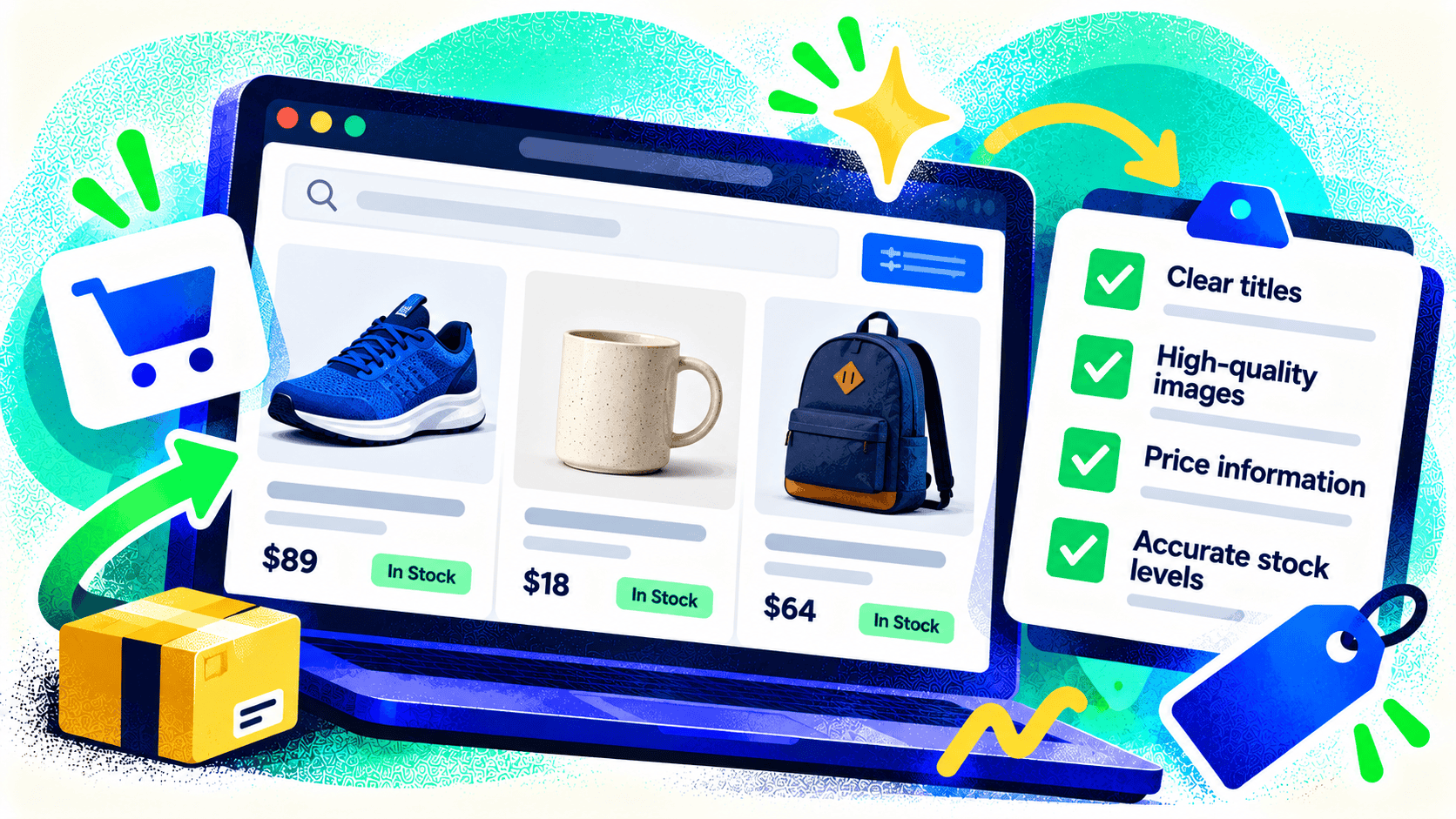
A title should identify the product and its meaningful distinction. “Classic Tee” may work for an existing fan of the brand; it says little to a new shopper comparing fabric, fit, and use. Add useful attributes without turning the name into a string of repeated keywords. Keep naming consistent across variants and channels.
2. Fill in decision-making attributes
For each category, list what a buyer commonly asks. Clothing may need fabric, fit, care, and size information. A replacement part may need dimensions and compatibility. Food products may need ingredients and storage details. Put those facts in structured fields where the platform supports them, and explain them in readable copy on the product page.
3. Check variants and availability
Every variant should have the correct price, image, SKU, and inventory rule. If stock comes from a POS, ERP, or warehouse, test whether it reaches the storefront accurately. A recommendation that leads to a sold-out or wrongly priced product wastes the shopper’s time and your opportunity.
4. Keep policies easy to find
Shipping times, returns, warranty, and customer support can influence a purchase. Make the policies accurate and visible, especially for customized or final-sale products. Don’t bury important conditions in a generic FAQ while the product page implies something different.
5. Test custom data and integrations
If dimensions, compatibility, or other key facts live in metafields or an external product-information system, verify what each AI channel receives. Shopify’s Catalog Mapping can help source catalog information from custom data. For complex stores, the harder task may be deciding which system owns each field and how updates move between them.
6. Review results, then improve a category
Choose a high-value category and fix a representative group of products first. Check how they appear in connected channels and whether referred shoppers buy. Use those findings to set a catalog standard before rewriting thousands of listings.
Through AI Ecommerce, Kelp connects ecommerce catalogs, inventory, and storefront experiences. If your product information is spread across systems, talk with us about the data path before adding another sales channel.

Leave a Comment