
When sales slow or staff rely on spreadsheets to process orders, “we need a new website” is an understandable reaction. But a fresh design can’t repair every problem. Some stores need clearer product pages and faster checkout. Others need new data flows between the storefront, POS, inventory, ERP, and fulfillment systems.
The best first step is to separate problems customers can see from problems the team handles after a sale.
Signs the customer experience needs redesign
If shoppers can’t find products, compare options, understand delivery, or finish checkout on a phone, the front end deserves attention. Review search behavior, product-page questions, abandoned carts, support messages, and real sessions. Look for specific friction: unclear categories, weak photography, slow pages, hidden policies, or too many form fields.
A redesign should improve those tasks, not just update colors. Set a goal for each important page and measure whether the new version helps people reach it. Preserve pages and URLs that already attract qualified search traffic unless there is a reason to change them.
Signs the system behind the store needs work
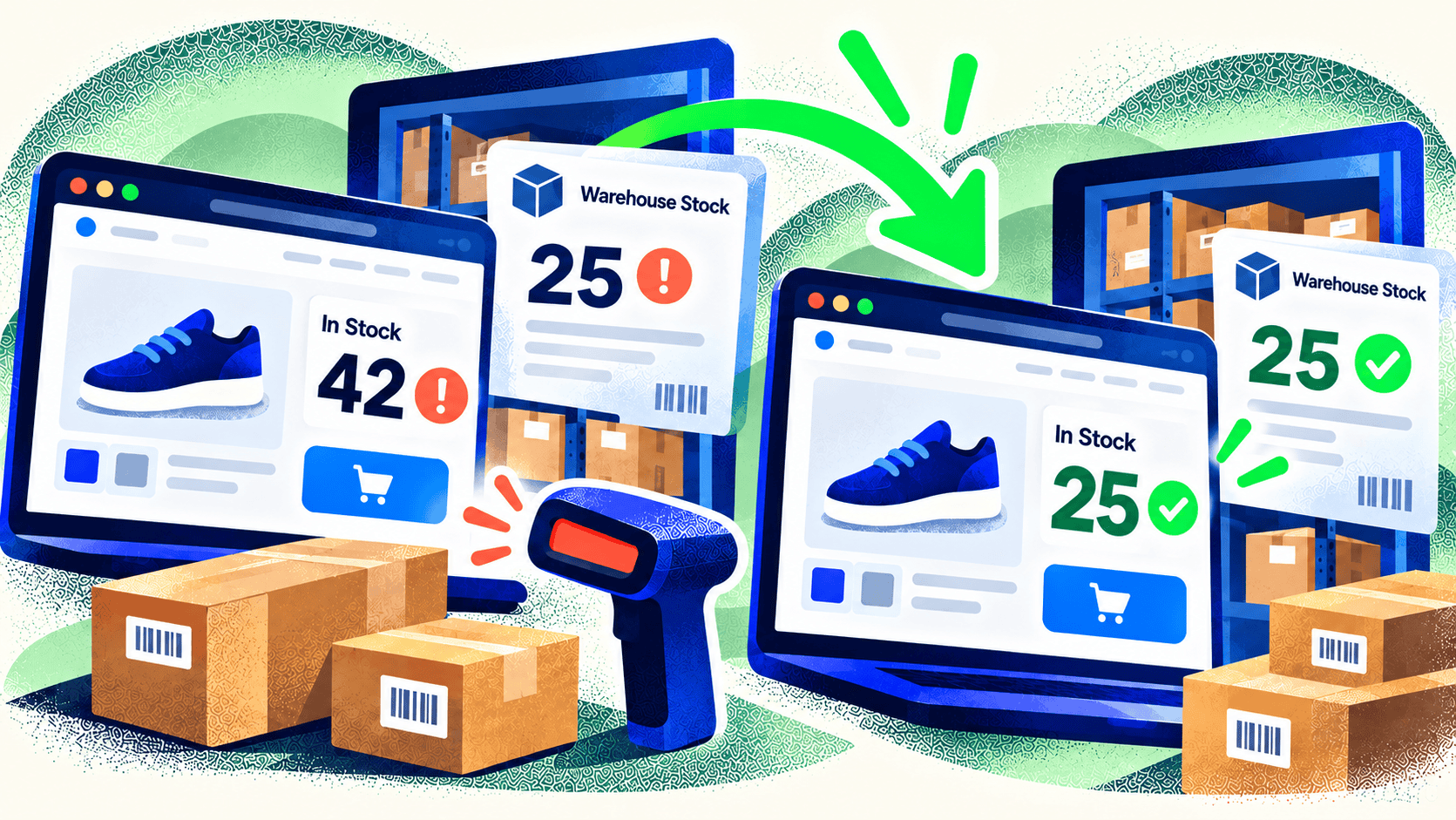
If orders arrive with missing options, inventory disagrees with the warehouse, staff re-enter data, or custom pricing is handled by email, the core workflow needs investigation. These problems may require integration work, a new product model, custom application logic, or a different platform.
Ask staff to show the path from product setup to shipment. Where do they copy data? Where do they wait for a nightly export? Which exceptions require a manager? These are often the most valuable requirements for a rebuild.
You may need both, but sequence matters
A store can have a weak buying experience and a weak operational system. In that case, map the data and order process before finalizing page designs. A product page can’t be designed correctly until the team knows what choices can be offered, how price is calculated, and what production needs after checkout.
Sometimes a phased approach makes sense: fix tracking and critical bugs, improve the highest-impact pages, then rebuild integrations. Other times the current architecture blocks every meaningful improvement, making a coordinated rebuild more efficient. The right sequence depends on risk, traffic, and the cost of disruption.
Make the decision with evidence
Write down the top customer complaints, top staff workarounds, current conversion and error measures, and the systems that must remain. Ask an agency to explain which issues are addressed by design, development, integration, and ongoing operations. A proposal that promises “better UX” without naming the underlying failures is hard to evaluate.
You can start with Kelp’s free Website Checker to spot broken links, technical SEO issues, and conversion opportunities on the storefront. The report will not diagnose an ERP or inventory integration, so investigate those workflows separately when deciding the scope of a rebuild.
Kelp designs and develops ecommerce systems from product discovery through checkout and operations. If you are unsure whether the store needs a redesign or deeper rebuild, show us the customer and staff workflows and we can help define the actual scope.


Leave a Comment