
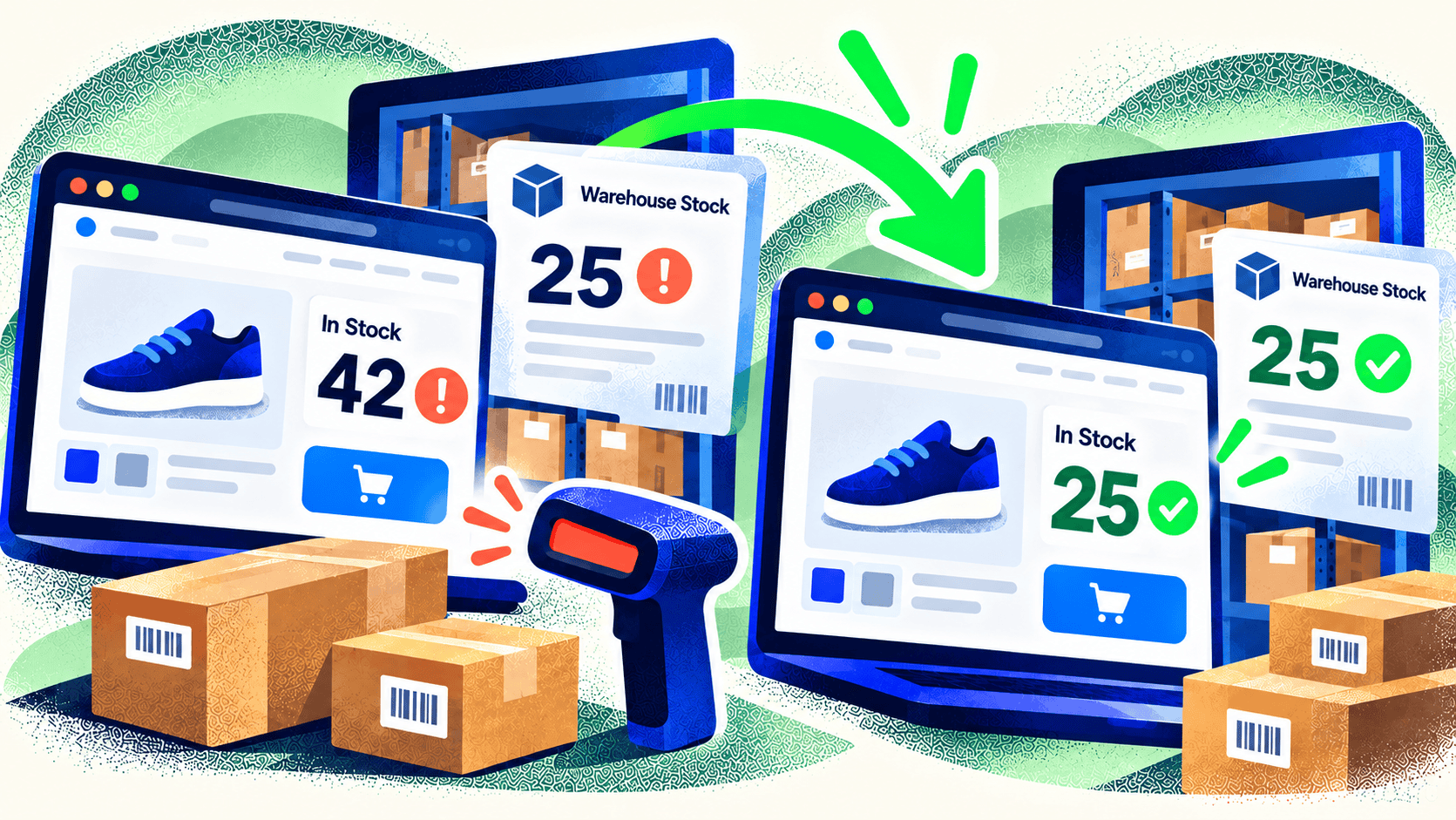
Your store says an item is available. Your warehouse says it is gone. A customer orders anyway, and your team spends the afternoon apologizing and finding a substitute. That’s usually described as an “inventory sync problem,” but the cause may be deeper than a delayed update.
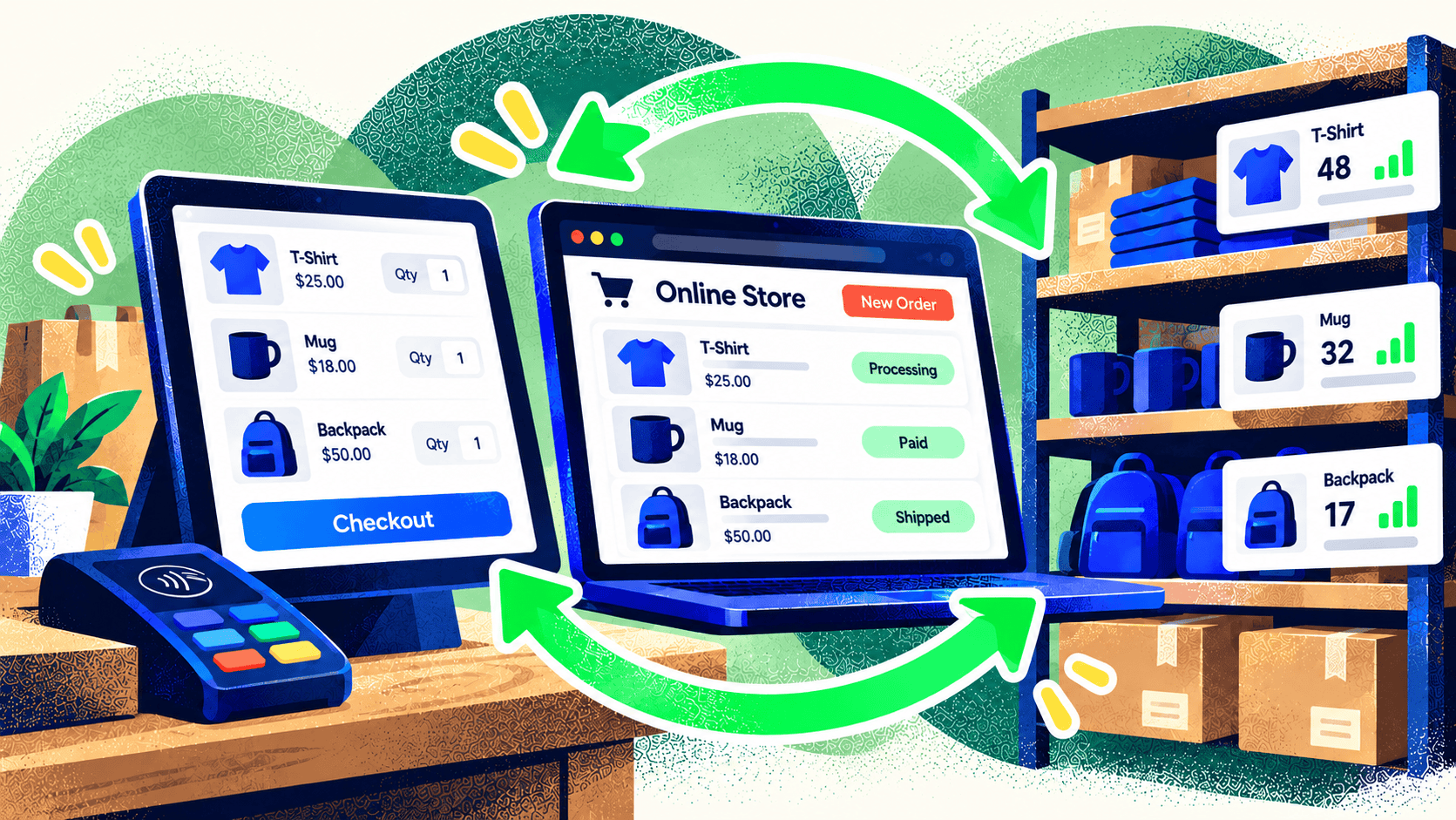
Inventory changes whenever a product is received, reserved, sold, returned, damaged, transferred, or adjusted. If the store, POS, ERP, and warehouse software treat those events differently, their numbers will drift. Fixing the problem starts with understanding which number each system is showing.
Check what “available” means in each system
On-hand stock is not always sellable stock. Some units may be committed to open orders, held for a retail location, or unavailable until quality checks finish. Before changing an integration, document the fields each system uses and the rules that turn on-hand quantity into online availability.
Location matters too. A product can exist in one warehouse while the store is configured to fulfill online orders from another. Shopify, for example, tracks inventory by location, so a total across locations may not match the quantity a shopper can actually buy.
Find the point where updates are lost
Look at one affected SKU from start to finish. When was the physical count last checked? Which system changed first? Did the change reach the integration? Did the receiving system reject it, map it to the wrong SKU, or apply it to the wrong location? Event logs and timestamps are more useful than comparing two current totals.
Common causes include duplicate SKU mappings, manual edits in multiple systems, delayed batch jobs, returns that restore stock in only one place, and orders that fail between checkout and fulfillment. A fragile integration may quietly skip errors and leave staff to find the mismatch after a customer complains.
Give each field an owner
Decide which system is authoritative for product identity, price, available stock, and fulfillment status. They don’t all need the same owner. A merchant may manage catalog content in the storefront while the ERP owns stock. Write down the direction of each update and what should happen when systems disagree.
Then build for failure as well as normal operation. An integration should log rejected updates, retry temporary failures safely, flag exceptions for staff, and reconcile totals on a schedule. Test sales, cancellations, partial fulfillment, returns, and transfers before calling the work finished.
Measure whether the fix works
Track oversells, manual inventory corrections, sync errors, and time spent resolving exceptions. If those measures improve, the integration is reducing operational friction. If mismatches continue, inspect the underlying process instead of adding another app to cover them up.
Kelp builds ecommerce systems with inventory, payment, and shipping integrations. If your team keeps correcting the same stock errors, talk with us about mapping the full workflow before replacing software.

Leave a Comment