
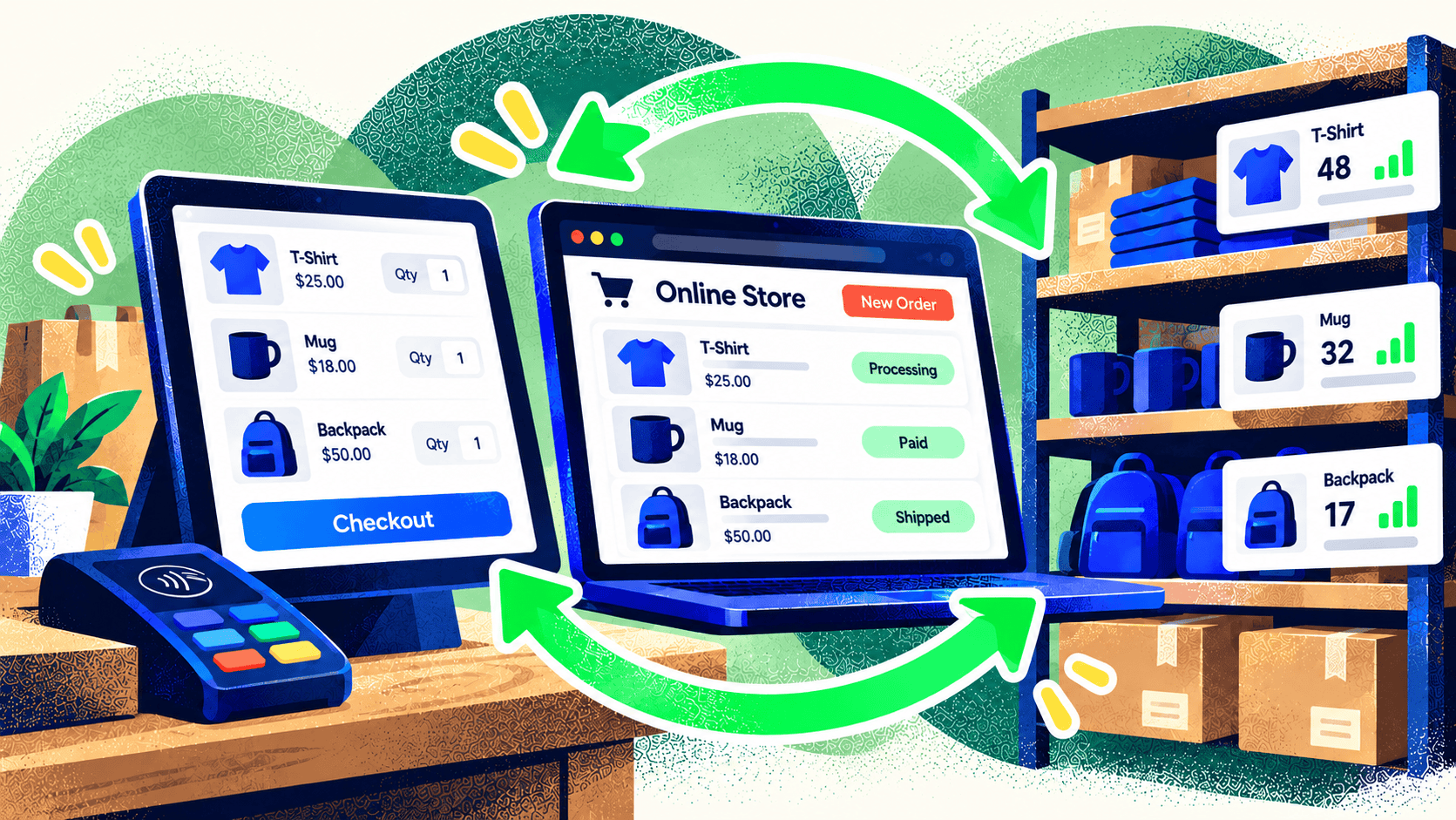
Selling the same product online and in a store sounds simple until both channels need to agree on stock. A connected POS and ecommerce platform can help, but installing an integration is only one step. The systems also need the same product identities, location rules, and process for correcting errors.
The goal is not to make every stock number identical at every moment. The goal is to make customer-facing availability reliable and give staff a clear way to resolve exceptions.
Map the product and location data first
Begin with a list of SKUs and variants. A “blue shirt, medium” in the POS must map to the same sellable item online. Watch for products with duplicate SKUs, bundles, custom options, and items that exist in one channel only. These are common sources of false matches.
List every place stock can live: stores, warehouses, pop-ups, and fulfillment partners. Decide which locations can fulfill online orders and which are reserved for in-person sales. Shopify’s location model is one example of why this matters: inventory and fulfillment are tied to locations, not just a single storewide number.
Define how orders change availability
Write out the path for an online sale, a POS sale, a pickup order, a cancellation, and a return. When is a unit reserved? When is it removed from available stock? Which system receives the order? What happens if a cashier sells the last unit while an online checkout is in progress?
Some merchants need a small safety buffer for fast-moving products or slow external systems. Others need a reservation process that holds stock for a short time. The right approach depends on sales volume, fulfillment speed, and the cost of an oversell.
Decide where staff can make changes
If staff can edit quantity in the POS, storefront, ERP, and warehouse system, the latest update may overwrite a more accurate count. Give each type of change an owner. Document how receiving, cycle counts, damaged goods, and transfers are recorded. Train staff to use the right workflow rather than making an emergency correction wherever they happen to be logged in.
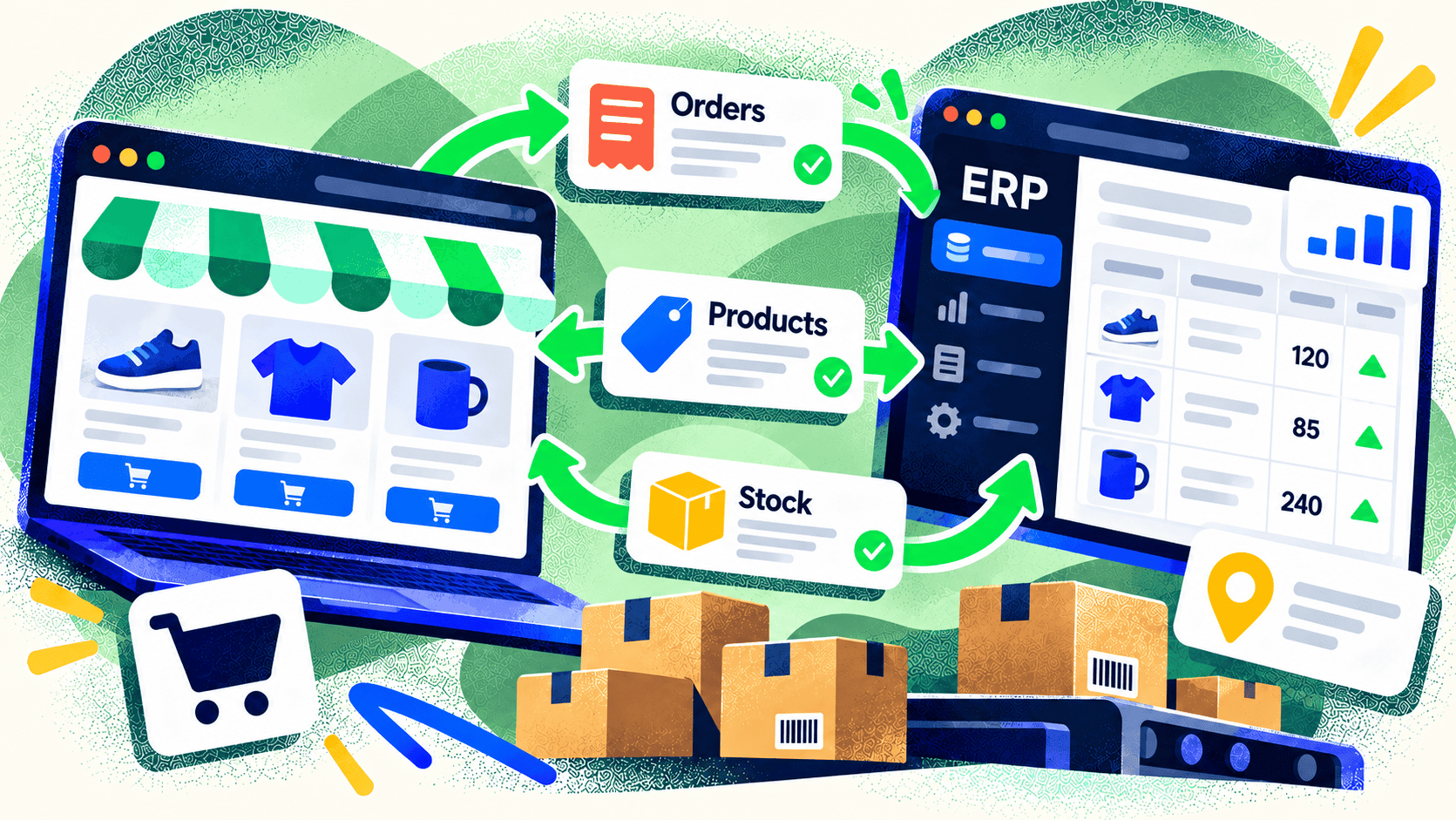
An integration should show failed updates clearly. Build an exception queue for unmapped SKUs, missing locations, rejected orders, and duplicate events. Schedule reconciliation so the team can find a discrepancy before a shopper does.
Test the awkward cases before launch
Don’t stop at one successful sale. Test a product sold online and in person on the same day, a return to a different location, a partial pickup, a bundle, and an order canceled after payment. Compare the records in every system. This exercise often reveals a process gap that a standard connector can’t solve.
Kelp’s ecommerce development work covers the storefront and the systems behind it. If your POS and store are creating manual cleanup work, bring us the workflow and the exceptions so we can design the right connection.
Leave a Comment