
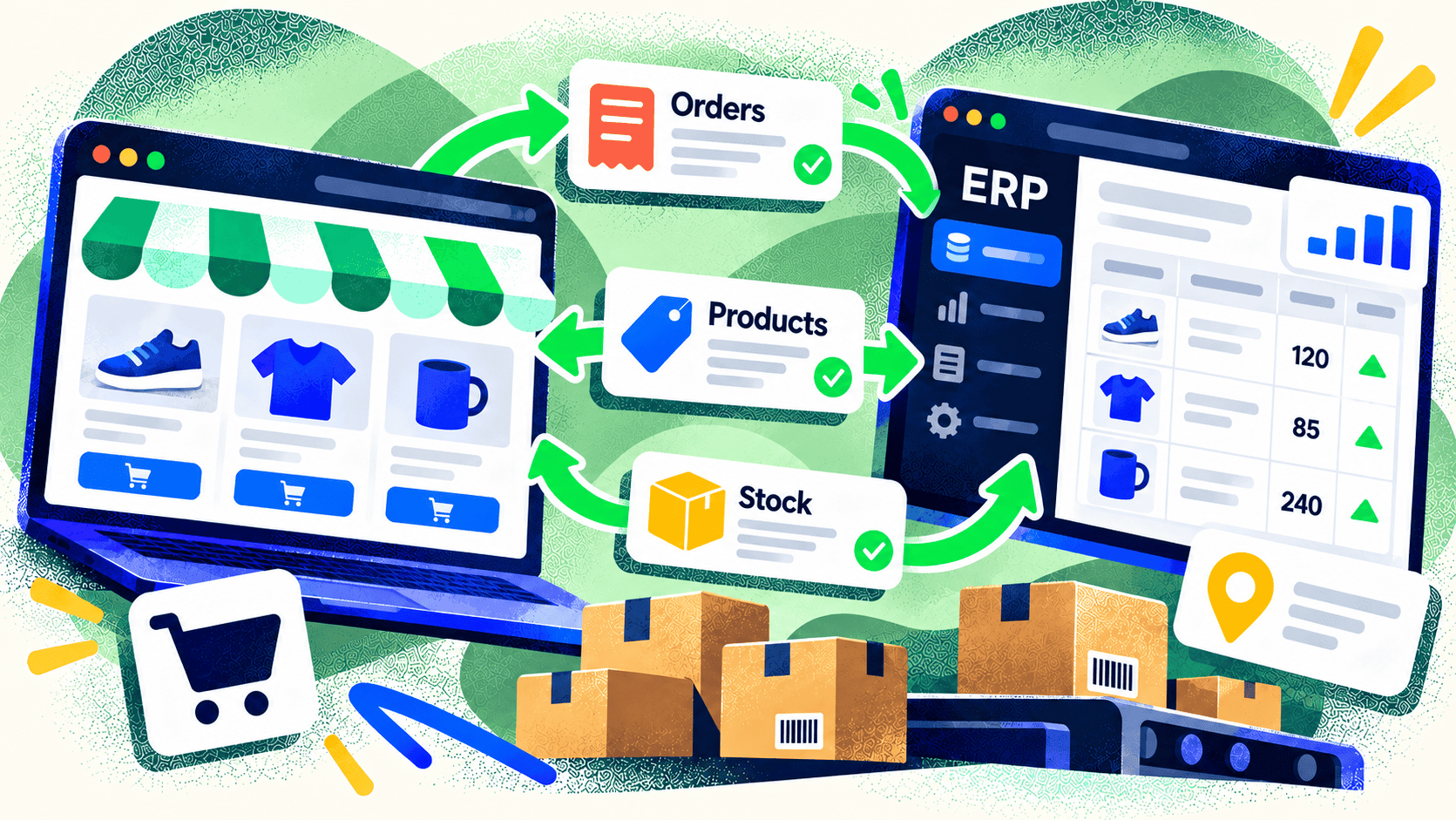
A good ecommerce and ERP connection can save your team hours of duplicate entry. It can also create expensive mistakes if two systems overwrite each other or interpret the same field differently. Before choosing an app or commissioning a custom connection, decide what information needs to move, in which direction, and at what point in the order lifecycle.
The answer varies by business. A simple consumer store may need product, inventory, order, and shipment updates. A manufacturer selling to wholesale buyers may also need contract pricing, payment terms, customer-specific catalogs, and production status.
Start with a data ownership map
For each data type, name one system of record. The ERP may own SKU, cost, available inventory, and order fulfillment. The storefront may own merchandising copy, images, search collections, and customer-facing content. Price may come from one or the other depending on promotions and sales channels.
Do this at field level when necessary. “Product data” is too broad if the ERP owns SKU and weight while the web team owns descriptions and photography. A field map prevents a nightly sync from erasing carefully edited product pages.
Define the order flow
An order is more than a total and an address. Decide when it enters the ERP, how taxes and discounts are represented, how custom options are stored, and what happens if the ERP rejects it. Map partial shipments, cancellations, refunds, returns, and exchanges. Include gift cards or store credit if those are part of your business.
The same care applies to customers. Determine whether customer records are created in the ERP, the store, or both; how duplicates are identified; and which team can correct them. For B2B sales, company locations and payment terms may matter more than a consumer email address.
Set a realistic update schedule
Some data needs to move quickly, especially stock for fast-selling items. Other changes can arrive in batches. Decide which events trigger immediate updates and which can wait. For Shopify, its Admin API and event mechanisms provide ways to exchange product, order, customer, and inventory data, but the business rules still need to be designed.
Build in retries, error logs, and reconciliation. If an order fails to post to the ERP, the team needs an alert and a way to reprocess it without duplicating the order. If inventory differs, the system should show which item and location are affected.
Test with real edge cases
Before launch, run sample orders for discounts, multiple tax jurisdictions, mixed fulfillment, backorders, custom products, and refunds. Ask the warehouse and finance teams to review the resulting records. The integration is successful when people can complete their work without translating or fixing data by hand.
Kelp specializes in connecting ecommerce storefronts to operational systems. If an ERP integration is part of your next build, tell us how the business actually processes an order so the technical scope reflects the work behind the sale.
Leave a Comment